
How to 3D Print Anything with AI (Even If You Lack Ideas)

I’ll be honest — sometimes I want to print something amazing, but I don’t feel very… inspired. The printer’s warmed up, but my brain isn’t.
Luckily, I found a workflow that bypasses creativity entirely. With the right combo of tools, I can go from blank mind to beautiful print using only AI and a few prompts.
And you can do it too.
Let me show you how I used ChatGPT, Sora, Meshy.ai, and my Bambu Lab printer to create this:
(Yup, AI helped me go from “I don’t know what to make” to “dragon bird feeder”.)
Step 1: Tap into What People Want — with MakerWorld
First, a quick detour.
If you haven’t heard of MakerWorld, it’s Bambu Lab’s platform for sharing 3D printable models. Think of it like Thingiverse — but faster, cleaner, and directly connected to the Bambu ecosystem.
I wanted to ride the wave of what’s trending. So I asked ChatGPT:
“Here are the most searched keywords on MakerWorld. Give me some ideas of designs.”
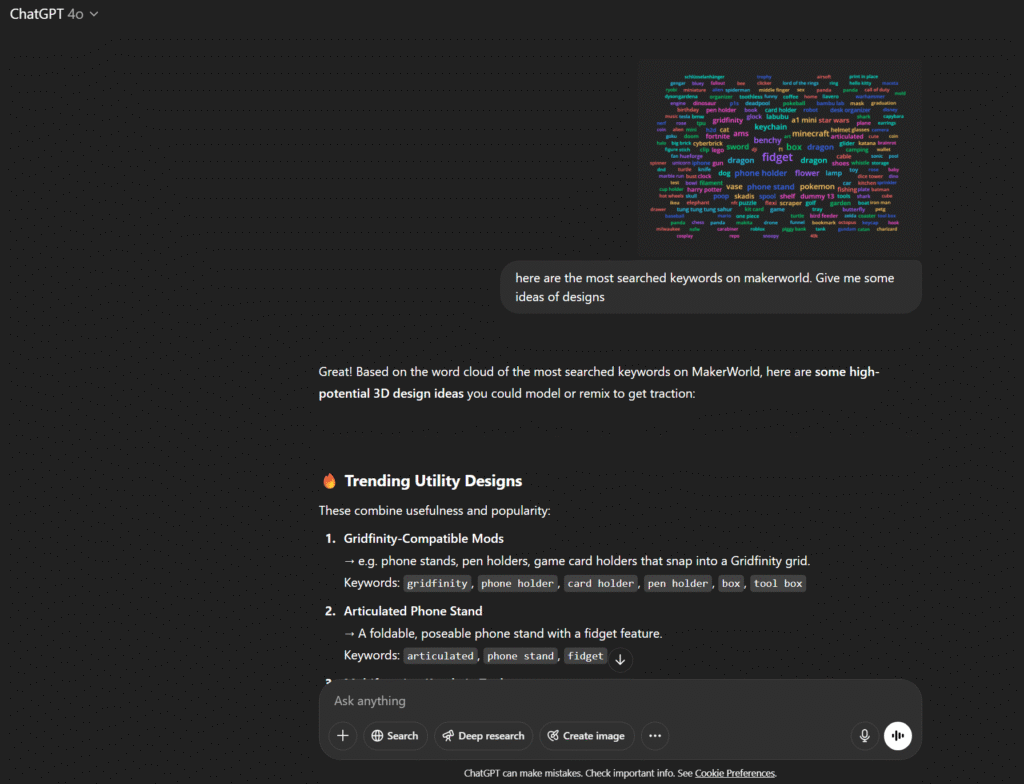
ChatGPT gave me a list of hot categories like:
- Gridfinity-compatible desk accessories
- Pokémon and Harry Potter stands
- Articulated dragons with storage bellies
- Stackable bird feeders for gardens
One idea stood out:
“Articulated Baby Dragon with Storage Compartment”
→ Keywords: dragon, articulated, box
So I followed up with:
“What about a dragon nest bird feeder? Give me an image generation prompt.”
And boom — this is what ChatGPT came up with:
A majestic dragon curled around a wooden bird nest, its wings partially open to shield the nest like a protective canopy. The nest is bowl-shaped, filled with bird seeds, perched on a tree branch or hanging by chains. The dragon has detailed scales, glowing eyes, and a calm, guardian-like expression. Small birds (like sparrows or finches) are feeding comfortably inside the nest. The dragon’s tail wraps under the nest for support, and the whole scene is set in a lush forest with soft sunlight and moss-covered branches. Realistic, highly detailed, fantasy garden design, 3D model concept, studio lighting.
Step 2: Paste It into Sora
Sora (or any top-tier image generator like DALL·E or Midjourney) can translate that prompt into a stunning concept image.
In my case, Sora generated the image you saw above — a low-poly dragon curled around a feeder, perfectly suited for 3D modeling.
And yes, I could’ve tweaked the prompt 100 more times… but this one? It just felt right.
Step 3: Turn the Image into a Model with Meshy.ai
Once I had my image from Sora, I headed over to Meshy.ai, which lets you generate 3D models straight from an image — no modeling skills needed. Here is one free month!
Here’s what the workflow looks like:
- Click Image to 3D in the Meshy interface
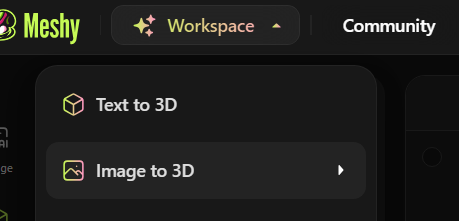
- Upload your image (supports
.png,.jpg,.jpeg,.webp) - Pick a name and leave the AI model as « Meshy-5 Preview »
- Set license and visibility (I set mine to Private)
- Hit Generate — and in about a minute, you’ll get a rough 3D model
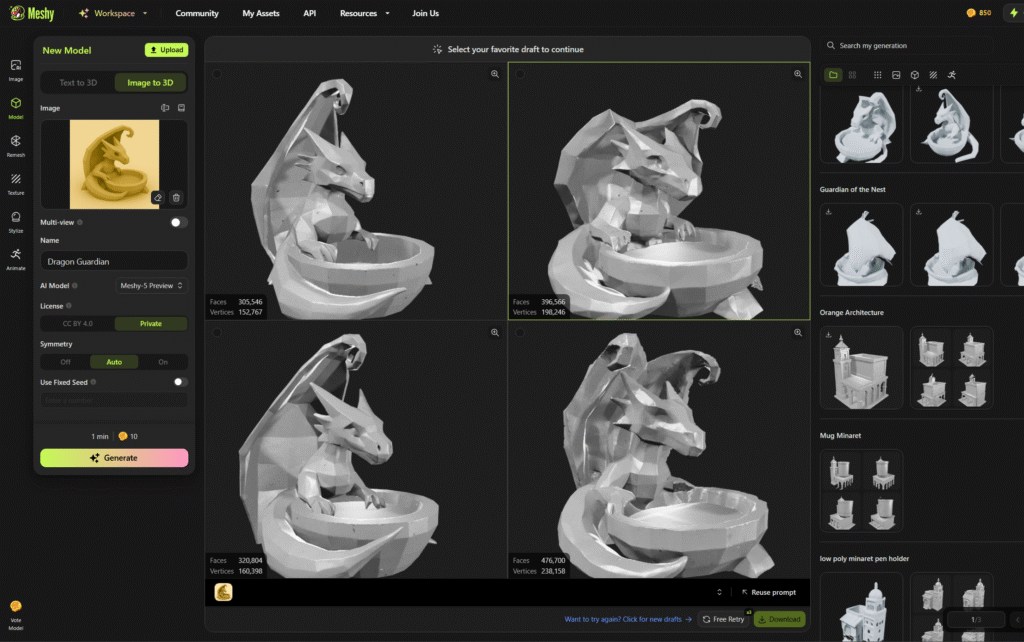
💡 Tip: Meshy adds some smart symmetry by default, which often works great for low-poly designs like the dragon feeder.
Once the model is ready, you can:
- Preview and tweak the generation
- Download it as an STL
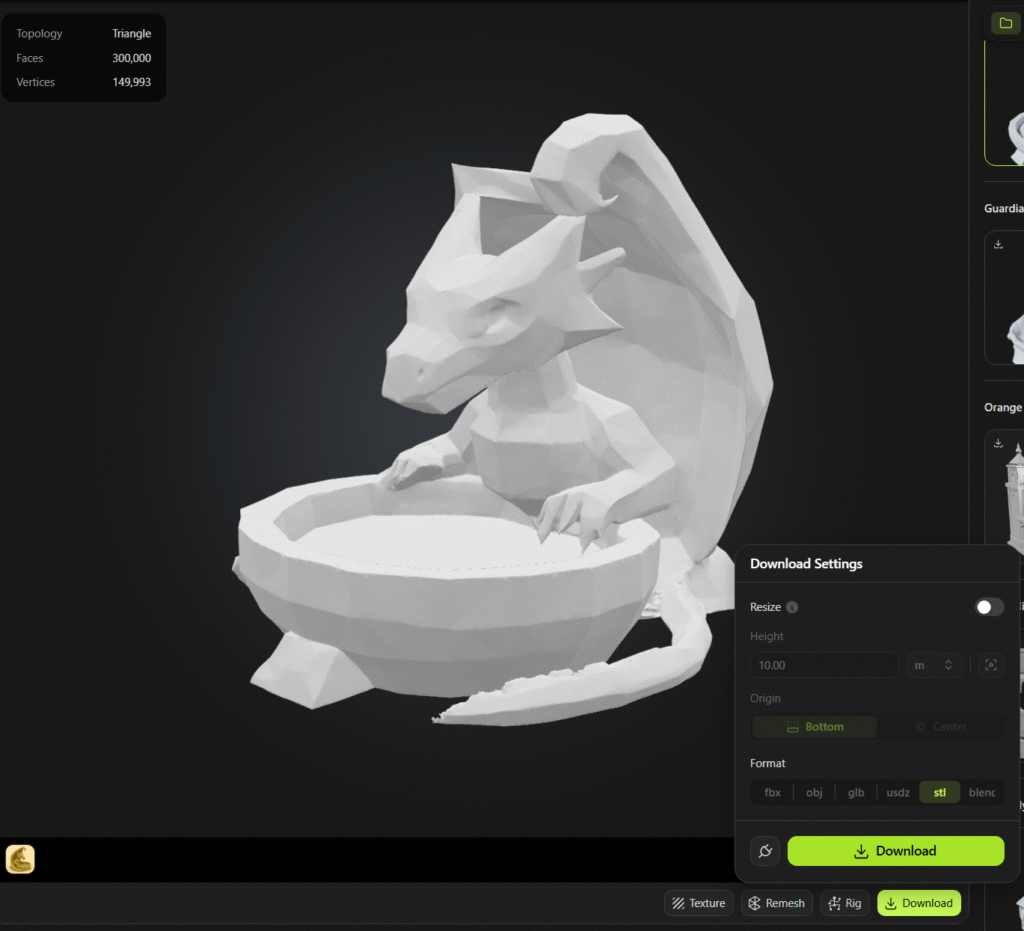
- Inspect the mesh before moving forward
Sometimes, I’ll regenerate the model if the result is too abstract — Meshy lets you retry with different symmetry or angles. When happy, I export the STL and:
- Check scale, wall thickness, and watertightness (Blender or PrusaSlicer)
- Slice with Bambu Studio or your slicer of choice
And just like that, your AI-inspired image becomes a printable reality.
Step 4: Print on Bambu Lab and Sit Back
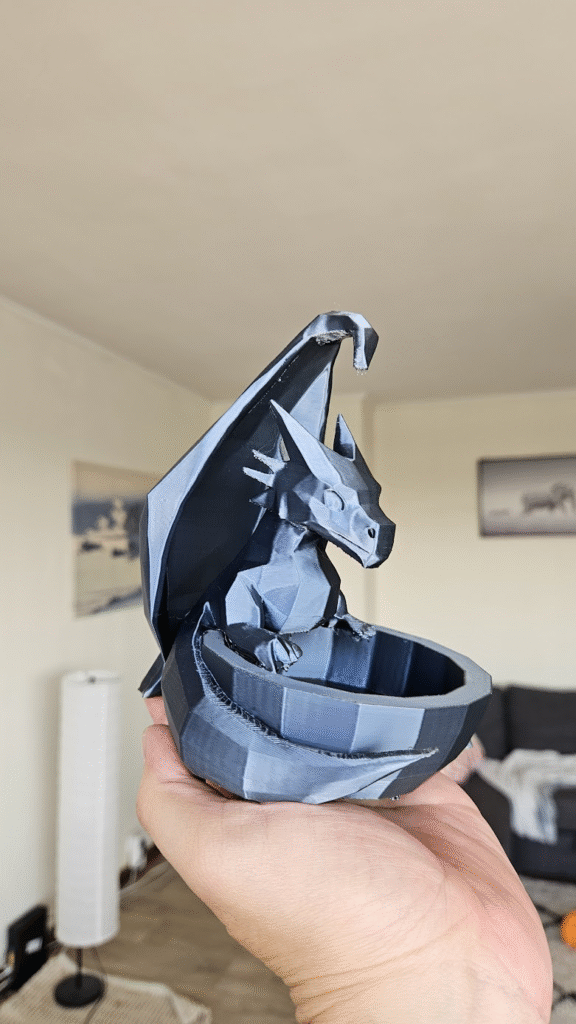
Bambu Lab X1C are fast. I sent the sliced model over the network, loaded some PLA, and hit print. The print time is 5h but I am sure the model could be optimized.
A few hours later, I had a tangible, beautiful bird feeder that looked like it came from a fantasy art book — but was born entirely from AI tools and a lazy weekend afternoon.
Why This Workflow Works (Even If You’re “Not Creative”)
This is the magic of AI: you don’t need to be a concept artist or Blender master.
You just need:
- A prompt idea (ChatGPT)
- A visual representation (Sora)
- A 3D conversion tool (Meshy.ai)
- A printer (Bambu Lab or equivalent)
The hardest part is giving yourself permission to start with someone else’s imagination — even if that someone is a machine.
What I’ll Try Next
This process opened a door. Now, I’m thinking of generating:
- A Totoro incense burner
- A Cyberpunk katana stand
- A Modular keychain fidget box
All based on trending keywords + a bit of AI remixing.
Final Thought: Let AI Be Your Sketchbook
I used to think 3D printing needed a solid plan before starting.
Now I treat it like play.
AI gives me the freedom to explore, remix, and fabricate faster than ever — even when I’m fresh out of ideas.
So… what would you print if the idea part was handled for you?
Let me know if you’d like to download the STL or see a full video of the process. Or check out this related post: Testing SHAP-E on Google Colab: Promising Tech, Disappointing Results.
One thought on “How to 3D Print Anything with AI (Even If You Lack Ideas)”